 InspectCam
By job
Who InspectCam is for, and what it does for each
By , developer of InspectCam · Published · Last updated
InspectCam is a free Android camera that opens with the light already on, so you can look into dark, tight places and film what you find. Below, each group it's made for gets what the free app does for them today and the guides worth reading. Pro, coming soon, adds job records and client reports for the trades that need them.
Jump to
Homeowners: behind the TV, under the sink

A ring rolls behind the dresser, the sink cabinet drips, or you need to see which cable goes where before you unplug the TV. Open InspectCam and the light is already on: hold the phone into the gap and pinch or tap a zoom preset to get closer. Record a short video with the light on, then send it from your gallery.
Guides Keep the flashlight on while using the camera · Why your music stops when you record · Light your face for a video in the dark
Home inspectors: attics, crawl spaces, panel labels
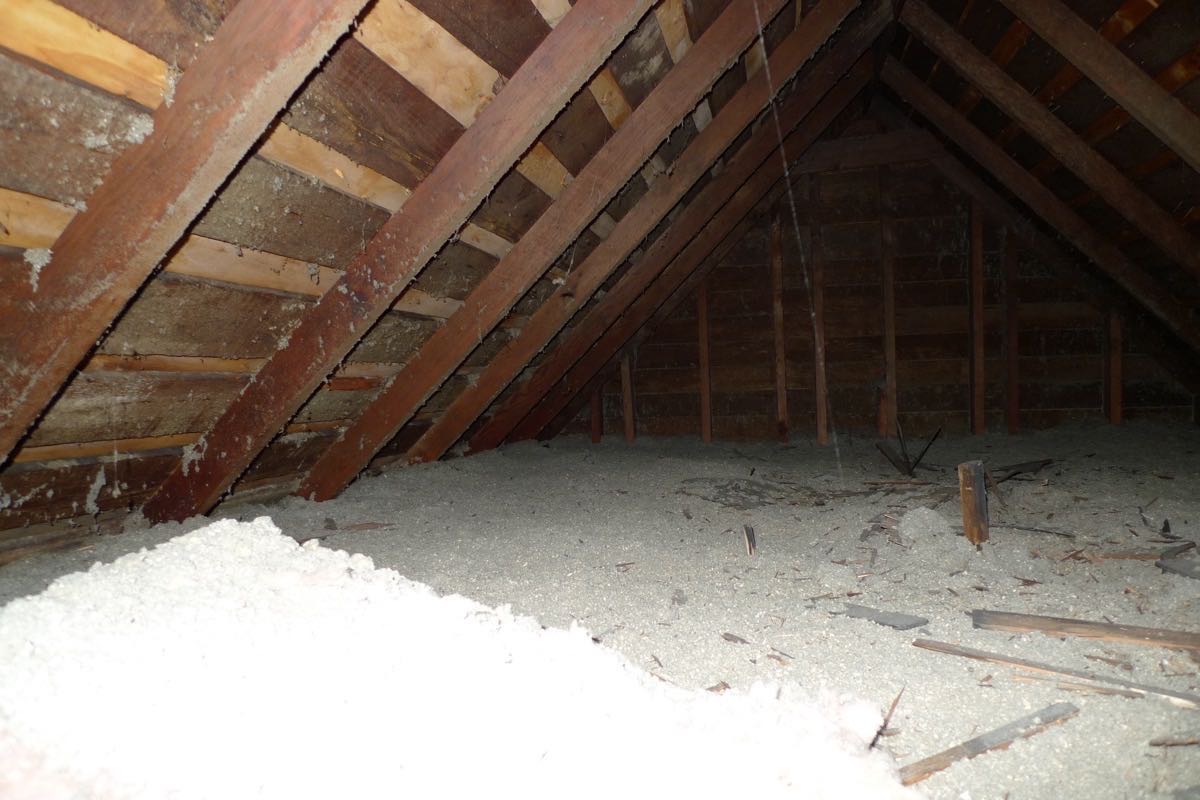
Most dark corners on an inspection are reached from a ladder or an access door, with one hand busy. Put the phone through the hatch with the light already on, look around on the screen and record a short video. In a dark closet, tap the 2× preset to get close to a breaker label, then tap to focus. If your phone gets very hot, Android may switch the light off to protect it. That's a safeguard, not a fault.
Guides How to check a crawl space · What three phones can do: dim, both cameras, wide
Pro, coming soon: the Home inspection template and an inspection-style findings report. See Pro for home inspectors.
Landlords and property managers: the unit you don't live in
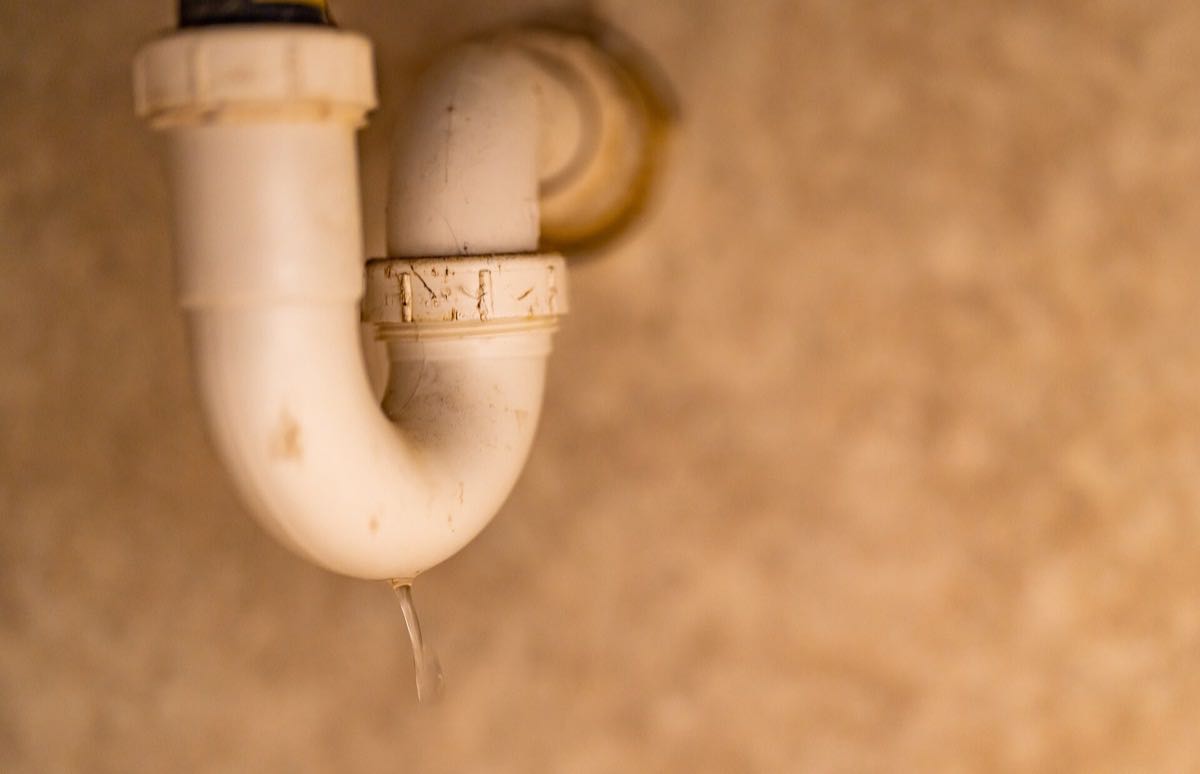
A tenant reports a drip or a musty smell, and you want to see it before you send anyone. Film the back of the sink cabinet or look in through the crawl space door with the light on, then forward the clip to your plumber from the gallery. Switch away to answer a text, and the light comes back on when you return.
Guide What to look for in a crawl space
Pro, coming soon: a Property manager (move-in / move-out) template with unit, tenant and move-in or move-out fields. See Pro for rentals and turnovers.
Contractors: before the wall closes
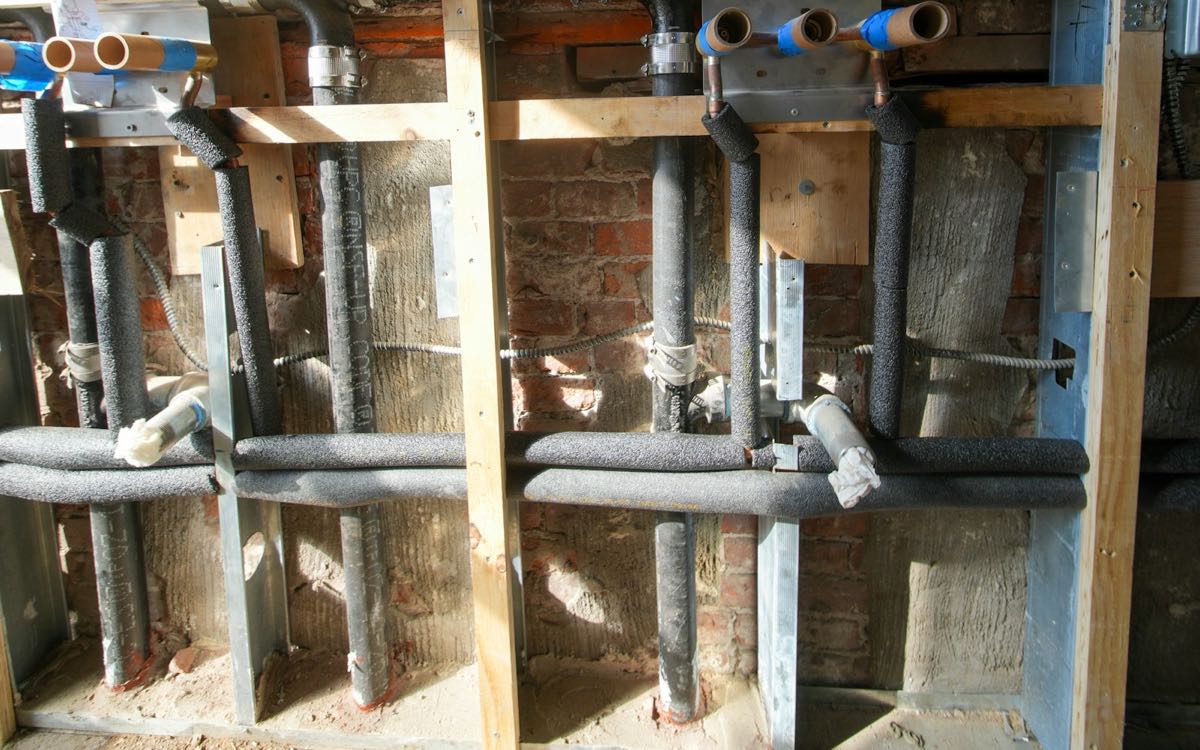
Once the drywall goes on, nobody sees the rough-in again, and the stud bays are often dark. InspectCam lights the cavity while you look and record, with the wide and close presets your phone supports, so each wall gets a short clip without a work light in your other hand.
Guide Why some phones can't use both cameras at once
Pro, coming soon: for renovations, the General contractor / renovation template with before and after pairs and a scope of work (Pro for contractors). For water losses, the Restoration template with drying and equipment logs and claim details (Pro for water damage jobs).
Plumbers, electricians and HVAC techs: labels in dark corners

The water heater label faces the wall, the furnace plate sits in a dark closet and breaker labels are tiny. Zoom in, tap the text to focus and read it off the screen, or record a short video with the light on and look back through it. On the Pixel 6a we tested, the light also stays on through the moment you take a photo (how that works).
Scope guides InspectCam doesn't connect to borescopes, but if yours won't connect to your phone: troubleshooting · scopes we've tested · Wi-Fi scope drops · USB OTG check · USB scopes and iPhone · specs explained
Pro, coming soon: ready-made Plumbing, Electrical and HVAC templates, with shots such as Water heater label, Panel label and Outdoor unit label. See InspectCam Pro.
Mechanics: part numbers deep in the engine bay

The part number is on a sticker behind the engine, and there's no room for a flashlight and a phone at once. Slide the phone in where your hand fits, with the light already on, and pinch to zoom until the sticker is readable on the screen. When a customer needs to see the problem for themselves, film a short clip of the leak or the cracked belt with the light on and send it from your gallery with the quote.
Pro, coming soon: a Mechanic / auto shop template with vehicle, odometer and plate fields, and a VIN field that warns when a typed VIN fails its check digit. See InspectCam Pro.
What Pro adds, trade by trade (coming soon)
Pro is coming soon. It files every photo you take into the job you're on, stamps it with the date, time and place, lets you mark it up and builds a PDF report under your company name. Each trade can start from a ready-made template, and the table below shows which one fits whom.
| Who | Template | Some of its shots |
|---|---|---|
| Home inspectors | Home inspection | Front of property, Roof, Electrical panel, Attic, Basement or crawlspace |
| Landlords and property managers | Property manager (move-in / move-out) | Unit door and number, Kitchen, Bathroom, Appliances, Meters |
| Contractors | General contractor / renovation | Work area before, Progress, Work area after, Permit posted |
| Contractors on water losses | Restoration | Where the water came from, Moisture readings, Equipment set up, After drying |
| Plumbers, electricians, HVAC techs | Plumbing, Electrical, HVAC | Shut-off valve, Panel label, Outdoor unit label, Work done |
| Mechanics | Mechanic / auto shop | VIN plate, Odometer, Driver side, Problem |
Pro runs inside the Android app on three plans: Duo for up to 2 people, Team for up to 5 and Business for up to 10. Every plan is a company account you share with the people you invite, and Team and Business add the trade photo drop, so your trades can send photos into a job from a QR code or a link. For 11 or more people, ask us about a custom plan. There's no one-person plan: if you work alone, Duo leaves room for a helper. Pro launches in the Android app, so for now everyone on your company account needs an Android phone; the iPhone app is coming soon, with Pro included. Pro isn't on sale yet; details are on the Pro page.
Common questions
Who is InspectCam for?
Anyone who needs light and a camera in the same dark spot, from homeowners to home inspectors, landlords, contractors, trades and mechanics. The free app is for seeing and filming; Pro, coming soon, adds job records and client reports.
Do I need Pro to look in an attic or film a leak?
No. The light on at launch, zoom, tap to focus and short videos are all in the free app on Google Play. Pro, coming soon, adds jobs, stamps and reports.
Does InspectCam connect to a borescope?
No. InspectCam uses your phone's own camera and light and does not connect to borescopes, endoscopes or USB cameras. If a scope you own won't connect, our troubleshooting guides cover the usual causes.
Will my music stop when I open the camera?
Not with InspectCam. Your music keeps playing — even while you record video. Music playing on the phone is heard in the recording, so pause it before you film something for a client.
Whatever the work, the seeing part is free today: open the app and the light is already on. If your job ends in a report for a client or a tenant, Pro is coming soon, and the trade pages above show what it adds.